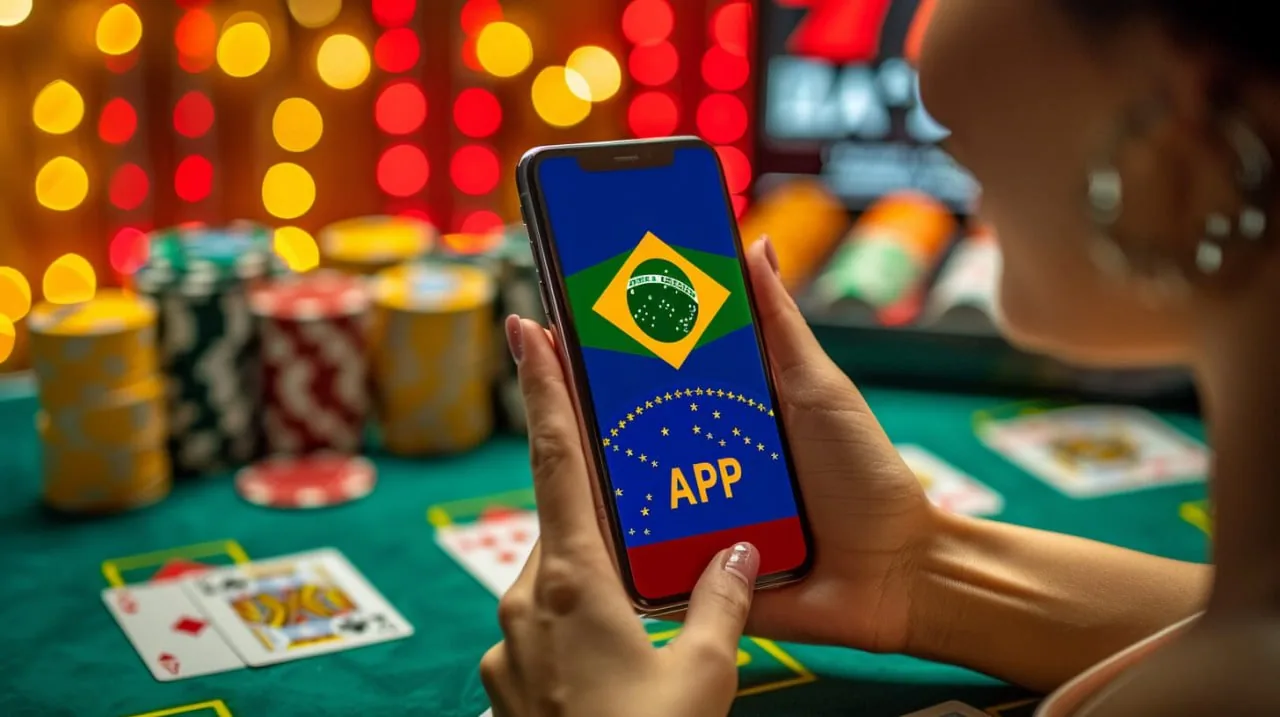

Mobile Access in 3 Clear Steps
Getting onto bc7777 from your phone does not require an app-store download or an APK file. The mobile experience runs directly through your browser, which means your device handles compatibility rather than a packaged install. Chrome on Android and Safari on iOS both work well. First, open bc7777 in your mobile browser and confirm the address is correct. Second, check that your
browser is updated — older versions can block the live-stream scripts that power the table games. Third, sign in with your account credentials or use fingerprint login if your device supports it. That is all it takes before Crash SparkBurst or a live baccarat table is live on your screen.
- Open bc7777 — Type the address directly into Chrome or Safari — do not search for it through a third-party link to avoid landing on an unofficial mirror.
- Check Browser Compatibility — Update Chrome or Safari to a recent version. Outdated builds may block live-stream scripts, which affects table games and crash titles.
- Sign In Securely — Enter your account credentials or enable biometric login from your account settings for faster access on return visits.
- Verify Your Region — Access is available where local law permits. If the lobby does not load, check whether your region is currently supported before contacting account help.